

2.76 GB | 00:16:10 | mp4 | 1280X720 | 16:9
Genre:eLearning |Language:English
Files Included :
001 Introduction Wireshark vs Others (62.18 MB)
001 Learning objectives (18.02 MB)
002 1 1 Choosing a Laptop (40.81 MB)
003 1 2 Adapter Selection (57.88 MB)
004 1 3 Capturing from the Network (85.76 MB)
005 1 4 Capturing from Multiple Sources (39.11 MB)
006 1 5 Limitations of Software-based Analyzers (15.76 MB)
001 Learning objectives (16.33 MB)
002 10 1 Exporting Packets to Other Tools (83.94 MB)
003 10 2 Analyzing in Other Tools (96.6 MB)
004 10 3 Working with Larger Files (74.63 MB)
005 10 4 Sharing Your Findings (66.56 MB)
001 Learning objectives (8.61 MB)
002 2 1 Downloading Wireshark (6.24 MB)
003 2 2 Install as an Administrator or a Standard User (26.52 MB)
004 2 3 Configuring Your Adapters for use with Wireshark (29.56 MB)
005 Summary (1.87 MB)
001 Learning objectives (23.04 MB)
002 3 1 Selecting Your Capture Source (56.13 MB)
003 3 2 Working with Capture Options (29.46 MB)
004 3 3 Starting, Stopping, and Saving Captures (32.17 MB)
005 3 4 Working with Captures (54.94 MB)
006 3 5 Working with Encrypted Captures (45.08 MB)
007 3 6 Mapping OSI Model to a Captured Frame (53.51 MB)
008 3 7 Troubleshooting Techniques (24.72 MB)
009 Summary (10.02 MB)
001 Learning objectives (15.59 MB)
002 4 1 Understanding Capture Fields (86.57 MB)
003 4 2 Capturing at Different Points of the Network (74.19 MB)
004 4 3 Following Conversations DNS (51.09 MB)
005 4 4 Following Conversations HTTP (147.55 MB)
006 4 5 Following Conversations ICMP (50.6 MB)
007 4 6 Following Conversations FTP (59.5 MB)
008 4 7 Dissectors and Port Numbers (77.63 MB)
001 Learning objectives (15.9 MB)
002 5 1 Creating a Profile (17.15 MB)
003 5 2 Switching Between Profiles Based on Troubleshooting Need (38.05 MB)
004 5 3 Using Columns (70.27 MB)
005 5 4 Understanding Coloring Rules (56.37 MB)
006 5 5 Commenting Packets (10.33 MB)
007 Summary (2.44 MB)
001 Learning objectives (12.66 MB)
002 6 1 Using Capture vs Display Filters (24.5 MB)
003 6 2 Using Capture Filters (65.94 MB)
004 6 3 Using Capture Filters Continued (66.41 MB)
005 6 4 Using Display Filters (74.67 MB)
001 Learning objectives (17.55 MB)
002 7 1 Combining Filters (69.46 MB)
003 7 2 Avoiding Common Filter Pitfalls (78.03 MB)
004 7 3 Using Contains and Matches Conditions, Wildcards (66.64 MB)
005 7 4 Sharing Filters (40.43 MB)
006 Summary (14.13 MB)
001 Learning objectives (16.14 MB)
002 8 1 Using IO Graphs (53.82 MB)
003 8 2 Identifying Top Talkers (75.63 MB)
004 8 3 Following Flows and Streams (37.25 MB)
005 8 4 Using Applications and Protocol Hierarchy, Spotting Anomalies (26.79 MB)
006 8 5 Personalizing IO Graph (53.3 MB)
007 8 6 Understanding Expert Information (11.67 MB)
008 Summary (7.53 MB)
001 Learning objectives (9.29 MB)
002 9 1 Capturing Traffic with Tshark (59.43 MB)
003 9 2 Display Information and Statistics (40.98 MB)
004 9 3 Using Editcap to Split Large Files (9.72 MB)
005 9 4 Common Options (41.29 MB)
006 Summary (2.12 MB)
001 Wireshark Fundamentals Summary (19.74 MB)]
Screenshot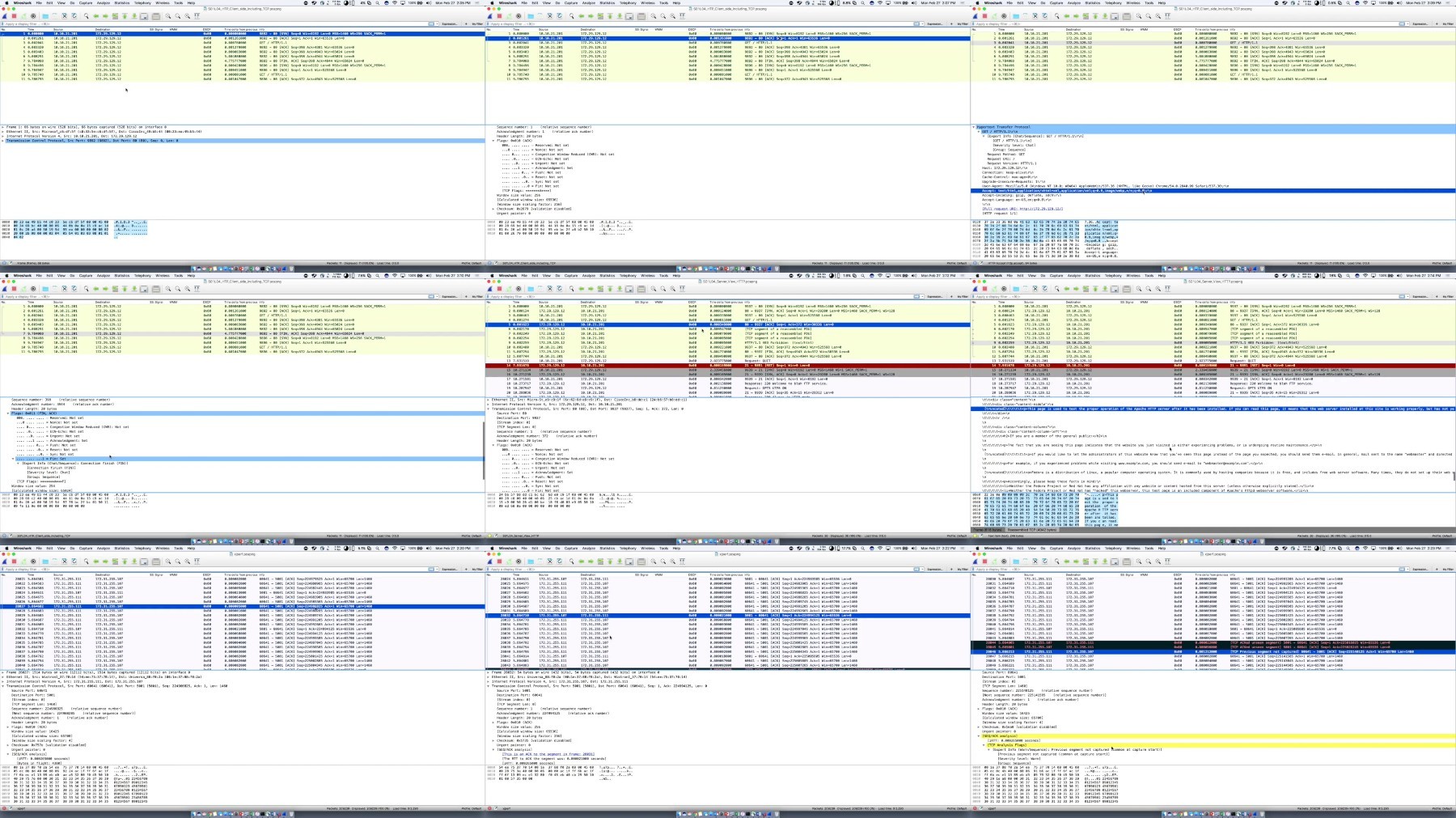
RapidGator
https://rapidgator.net/file/cc58c78870ff90024ee306a31aa477f1/Wireshark.Fundamentals.part1.rar
https://rapidgator.net/file/eaccac85a35051caa9e97c7d71ca1ff5/Wireshark.Fundamentals.part2.rar
TurboBit
https://turbobit.net/b0wroowz6qa4/Wireshark.Fundamentals.part1.rar.html
https://turbobit.net/ormmuki63it2/Wireshark.Fundamentals.part2.rar.html

