
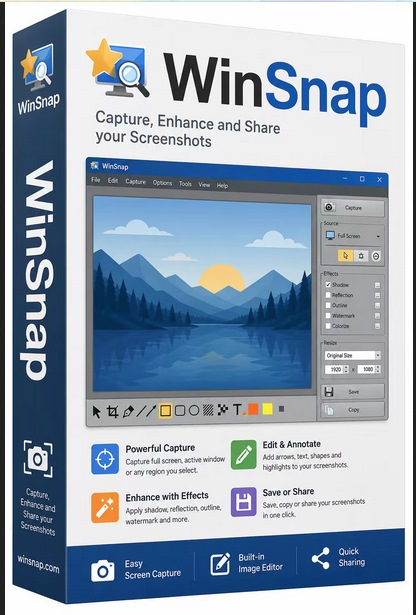
Winsnap 6.2.3 Multilingual Portable
Windows x64 | File size: 8.0 MB
WinSnap is a small enhancement utility for taking and editing screenshots. Standard features include easy capture of non-rectangular windows with customized and transparent backgrounds, simple and automatic canvas transformations, coloring effects, and the addition of eye-candy drop shadows. WinSnap supports a variety of image formats and has advanced auto-save features.
Here are some key features of "WinSnap"• Flexible screen capture capabilities
• Smoothing shadow effect in Photoshop style
• Powerful image processing and basic canvas transformations
• Support of various image formats and advanced auto-save options
• Easy Web publishing and E-Mail sending
• Multilingual user interface (Unicode based)
• Easy makes screenshots of windows with rounded corners
• WinSnap saves info about window form and adds real smoothing shadows.
• Alpha-Channel and PNG/TIFF transparency are supported.
• Unique "Application" capture mode allows you to capture all visible windows of the foreground application with one click.
• Unique "Multi-Object" capture mode allows you to select multiple windows on the screen and easy combine them into one screenshot.
• Basic coloring effects and canvas transformations.
• Advanced auto-save and auto-copy options.
• Configurable External Tools menu to open image editors and optimizers.
• Usual keyboard and mouse control (Print Screen replacement).
• Make all this work with one 100-kb application - smaller than Paint!
https://anonymz.com/?
https://www.ntwind.com/software/winsnap/what-is-new.html
What's new
System Requirements: Windows 11, 10, 8, 7, Vista and XP (64-bit)
https://nitroflare.com/view/FF8D3DD375321FB/WinSnap.6.2.3.Portable.rar

